The Renault Clio 4, appreciated for its versatility and modern design, can sometimes encounter injection issues. These problems, often related to malfunctions in the injectors or the fuel supply system, can affect engine performance and lead to excessive fuel consumption.
In the face of these inconveniences, it is important to react quickly to avoid costly repairs. A precise diagnosis performed by a professional will determine the exact nature of the problem. Regular maintenance and the use of quality fuels will help prevent these incidents and extend the lifespan of your vehicle.
Understanding the ‘Injection to Check’ message on your Renault Clio 4
The ‘injection to check’ signal on Clio 4 is a common error message that may appear on your vehicle’s dashboard. This message generally indicates a malfunction in the injection system, a key component that includes the injectors and the fuel supply system. The causes of this message can vary, ranging from a fuel pressure issue to a clogged filter or dirty injectors.
Main causes of the ‘Injection to Check’ message
- Injectors: they may be dirty, blocked, or defective.
- Fuel supply system: insufficient pressure, a clogged fuel filter, or damaged lines.
- Electrical problems: loose connections, damaged wires, or faulty sensors.
Consequences of a failing injection system
A malfunction in the injection system can lead to excessive fuel consumption, a loss of engine power, and increased pollutant emissions. To avoid these inconveniences, be sure to closely monitor the dashboard lights and conduct a diagnosis as soon as the message appears.
Preventive practices to avoid injection problems
- Use quality fuels to reduce the risk of injector clogging.
- Perform regular maintenance, including replacing fuel filters.
- Have the injection system checked by a professional if the ‘injection to check’ signal appears on Clio 4.
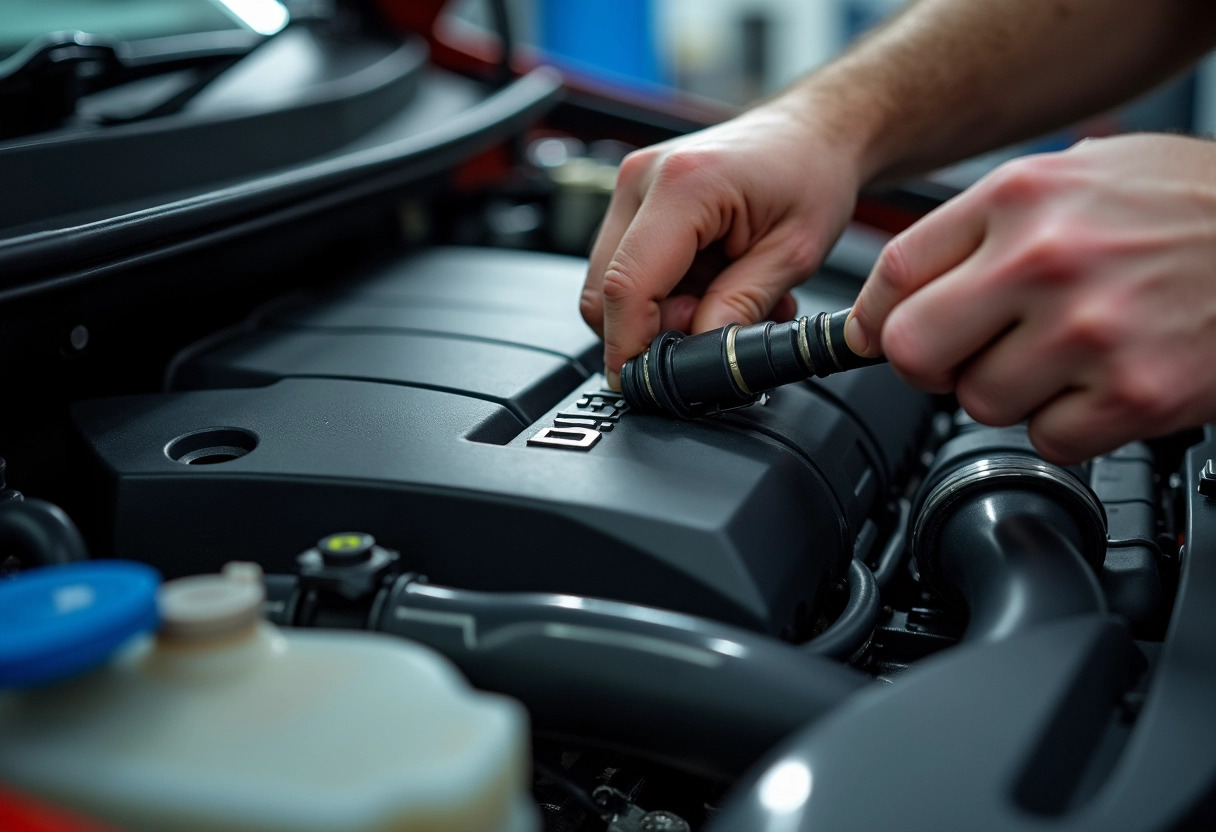
What to do when the ‘Injection to Check’ message appears?
When an ‘Injection to Check’ message appears on the dashboard of your Renault Clio 4, the first step is to use an OBD-II diagnostic tool. This tool allows you to read specific error codes and determine the exact cause of the malfunction. The OBD-II diagnostic tool can indicate whether the problem originates from the injectors, the fuel supply system, or an electrical issue.
Once the error codes are identified, follow these steps:
- Consult a professional mechanic: while some diagnostics can be performed by yourself, a professional has the expertise necessary to carry out precise and effective repairs.
- Check and replace the fuel filters: a clogged filter can be the source of many injection problems. Regular maintenance of this component is essential.
- Inspect the engine oil level: an incorrect oil level can affect the injection system.
Turning to a professional is often recommended for complex repairs, especially those involving the injection pump or the replacement of injectors. Quick intervention helps minimize the risk of further damage and avoid high repair costs.
To prevent these problems in the future, perform regular maintenance on your vehicle. Ensure that the fuel filters and components of the injection system are in good condition. Use quality fuels and follow the manufacturer’s recommendations for maintenance intervals.